
Watch live TV without the clutter.
Live TV, movies and series in one place — with a TV guide, Watch Later, family profiles and torrents. On your PC, your phone and your TV.
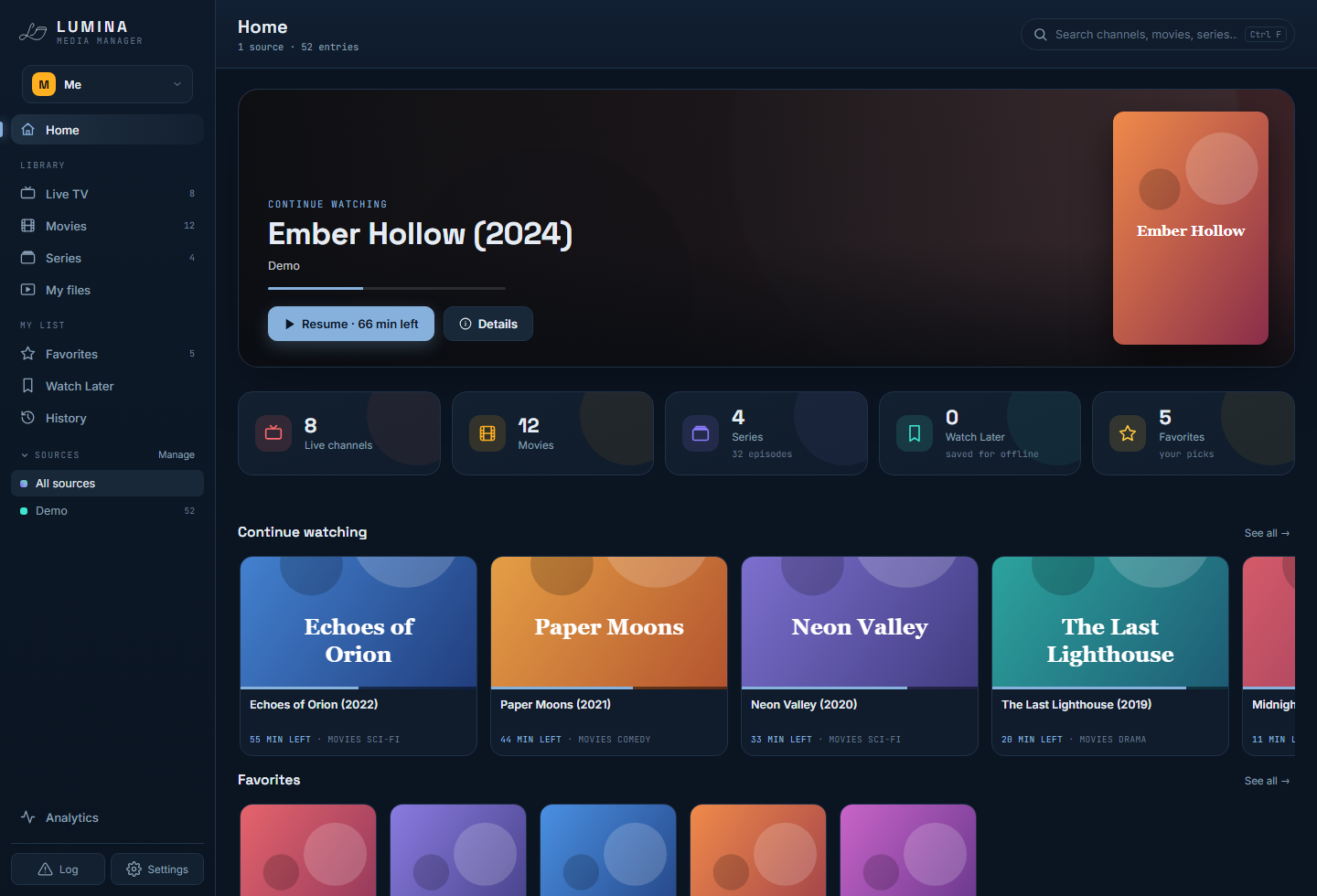
Everything you watch, one look.
The same interface on the webapp, the desktop app and Android, so nothing needs relearning.
Live TV & TV guide
Browse channels, zap between them and see what's on with a built-in programme guide.
Movies & series
A tidy library with covers, seasons and episodes, and Continue Watching that remembers where you stopped.
Watch Later
Save anything for offline viewing and pick it up on any device.
Family profiles
Separate favorites, history and progress for everyone at home.
Native video engines
ExoPlayer and libVLC on Android, mpv on desktop, plus external players like VLC.
Themes
Night, Paper and Classic looks, per device or following your system.
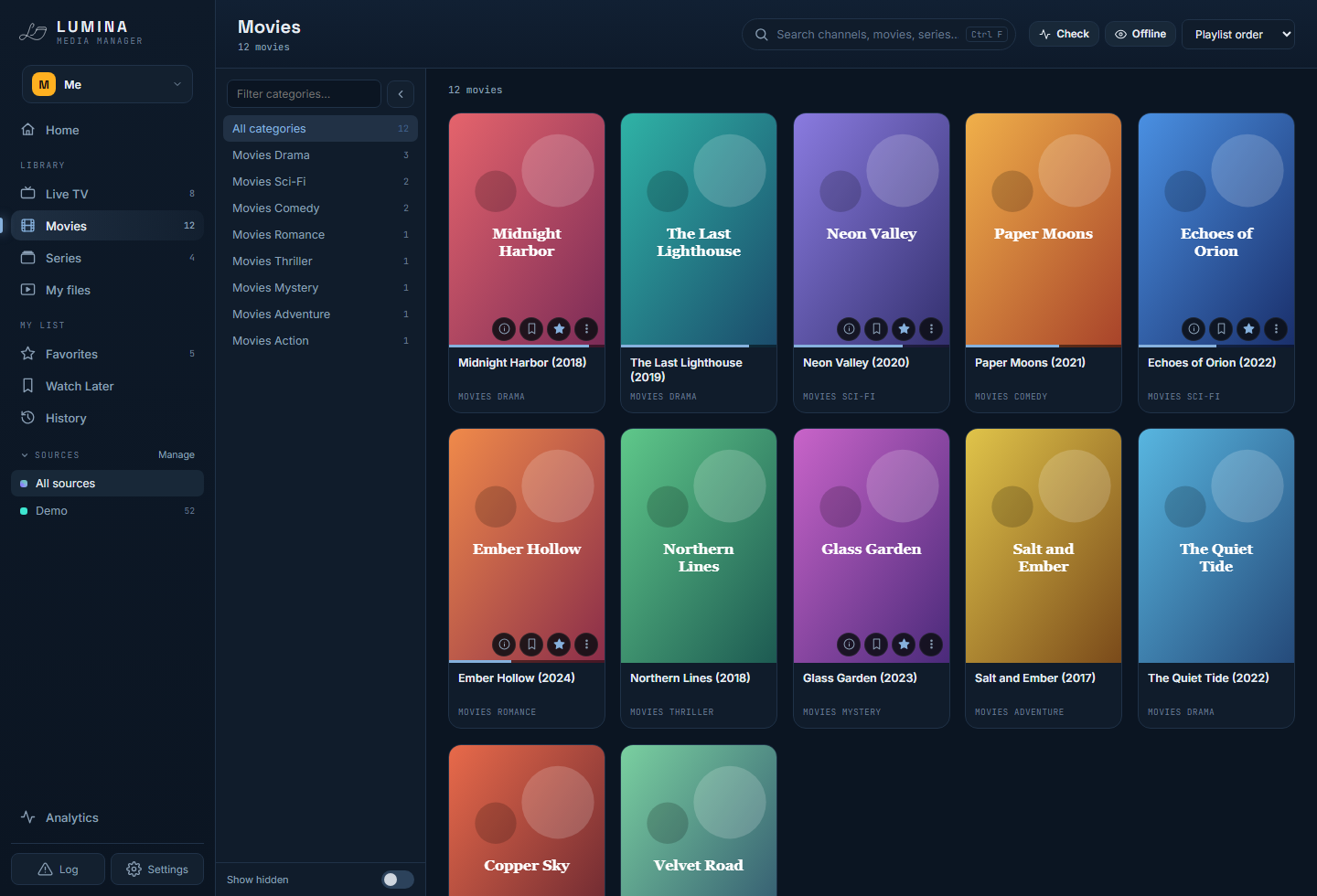
Covers, categories, one tap to play.
Movies and series are sorted and shown with posters, so finding something to watch takes seconds. Favorites and Continue Watching stay one click away.
One media center, every screen.
Run Lumina on one PC and it keeps the library, profiles, favorites and history. Phones, tablets, computers and TVs on your network open it in a browser.
- Desktop app for Windows and Linux
- Android app with a phone remote
- Self-hosted webapp for Ubuntu / Debian
- Sync between devices on your home network
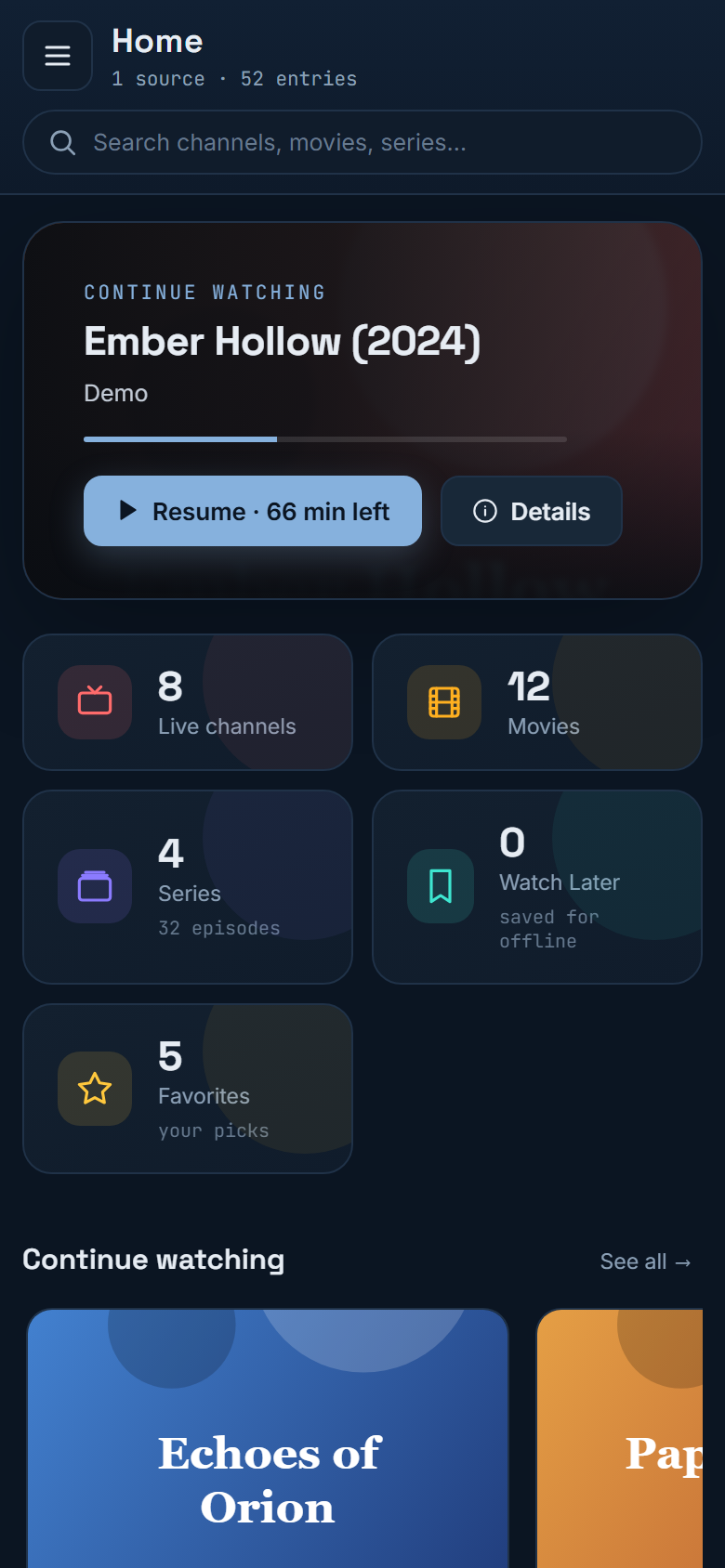
Night, Paper or Sunset.
Lumina follows your system's light or dark setting, or keep the one you like.
Pick your platform.
Free and open source (GPL-3.0). Tap a platform to see its packages.
Each download has a SHA-256 checksum in SHA256SUMS.txt. Need help installing? Read the full documentation.
Run it on a home server.
Ubuntu 22.04+ or Debian 12, 2 GB of memory or more. The installer needs internet once.
tar -xzf lumina-webapp-2.0.0.tar.gz
cd lumina-webapp-2.0.0
sudo ./install-ubuntu.sh
Then open http://your-server:PORT from any device on the network.